April 6, 2026
AI Fashion Photography for Online Stores
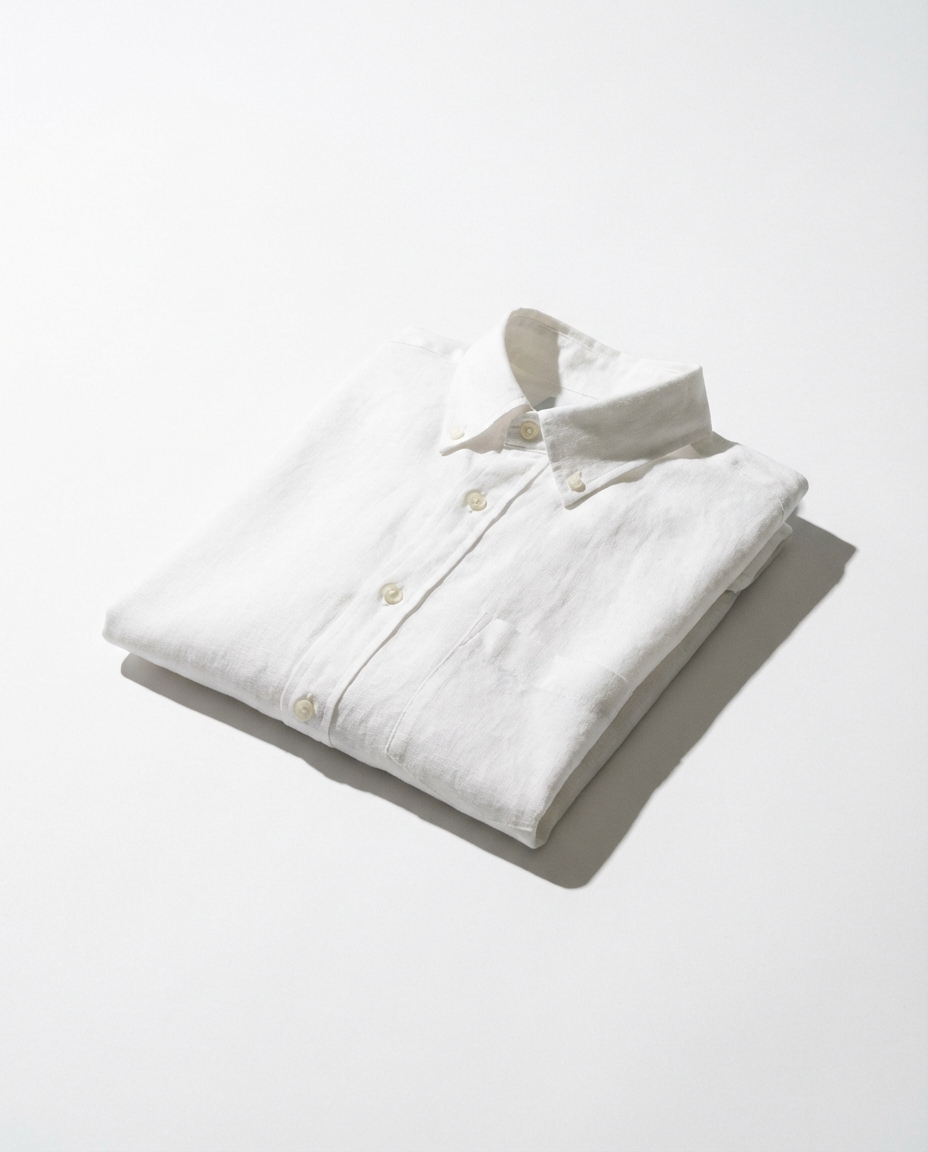
Fashion is the most ruthlessly visual category in ecommerce. A shopper scrolling through dresses on their phone makes a split-second judgment based entirely on the image — not the fabric composition, not the return policy, not even the price. The photo is the product until the package arrives. And that creates an enormous problem for small clothing brands competing against retailers who spend six figures per season on photography alone. Zara shoots in warehouses the size of airplane hangars. ASOS photographs 500+ new items every single week with dedicated studios, stylists, and post-production teams. The indie brand selling handmade linen dresses from a spare bedroom? They're working with a ring light and a prayer.
The gap between a $50,000 fashion shoot and a phone photo isn't really about the camera. It's about everything around the product — the backdrop, the lighting direction, the mood of the scene, the way a shadow falls just so. That's what separates a listing that gets scrolled past from one that gets clicked. And until recently, closing that gap meant either spending money you didn't have or accepting images that looked amateur next to your competitors.
Why Clothing Product Photos Need More Than White Backgrounds
There's a reason fashion brands obsess over imagery in ways that, say, electronics brands don't. A USB cable looks the same whether you photograph it in a studio or on your kitchen table — the product speaks for itself. Clothing is different. Fabric has texture, drape, movement. A cotton shirt can look stiff and cheap in one photo and luxuriously soft in another, depending entirely on how it's lit and styled. The photography doesn't just represent the product; it defines how the customer perceives its quality and value.
Most small fashion sellers start with one of three approaches: flat lays, ghost mannequin shots, or on-model photography. Flat lays are the easiest — lay the garment on a surface, shoot from above, done. They work for simple items like t-shirts and accessories, but they strip away any sense of how the clothing actually looks when worn. Ghost mannequin shots (where you photograph the garment on a mannequin and edit it out) add dimension, but they feel clinical and cold. On-model photography is the gold standard, but booking a model, a photographer, and a location for even a small collection can easily run $2,000–5,000 per day. For a brand launching 20 new pieces a month, that math doesn't work.
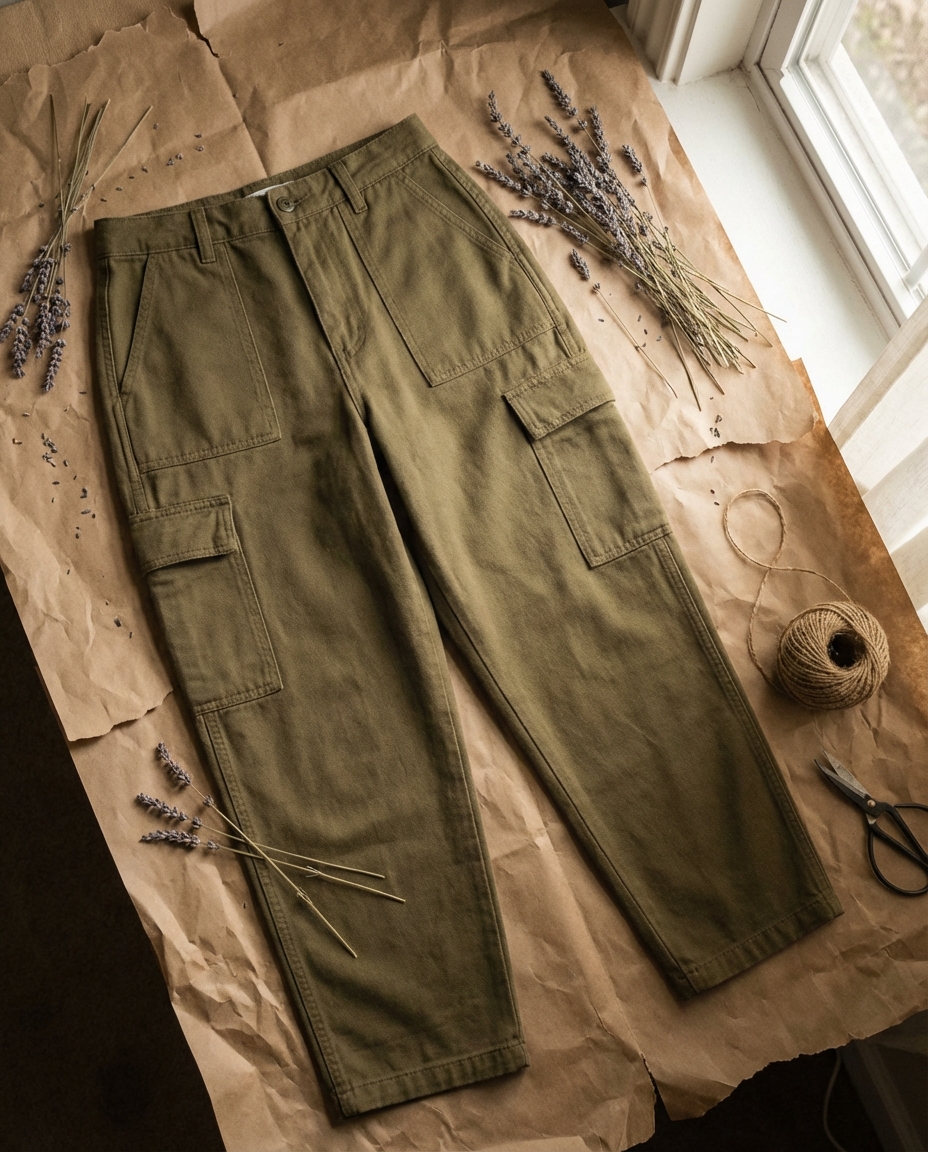
The real issue isn't just cost — it's consistency. Big fashion retailers maintain a visual identity across thousands of SKUs. Every image feels like it belongs to the same brand, the same world. Small sellers end up with a patchwork: some photos shot in natural light by a window, others under harsh overhead LEDs, a few outsourced to a freelancer with a completely different style. The store page looks disjointed, and that inconsistency quietly erodes trust.
The Editorial Look That Sells Clothing Online
Scroll through any successful DTC fashion brand's website — Reformation, Everlane, Sézane — and you'll notice something beyond just "nice photos." Every image tells a micro-story. The linen pants aren't just photographed; they're placed in a context that says this is who you become when you wear these. A sun-drenched terrace. A minimalist apartment. A cobblestone street. The clothing becomes aspirational because the scene around it does the heavy lifting.
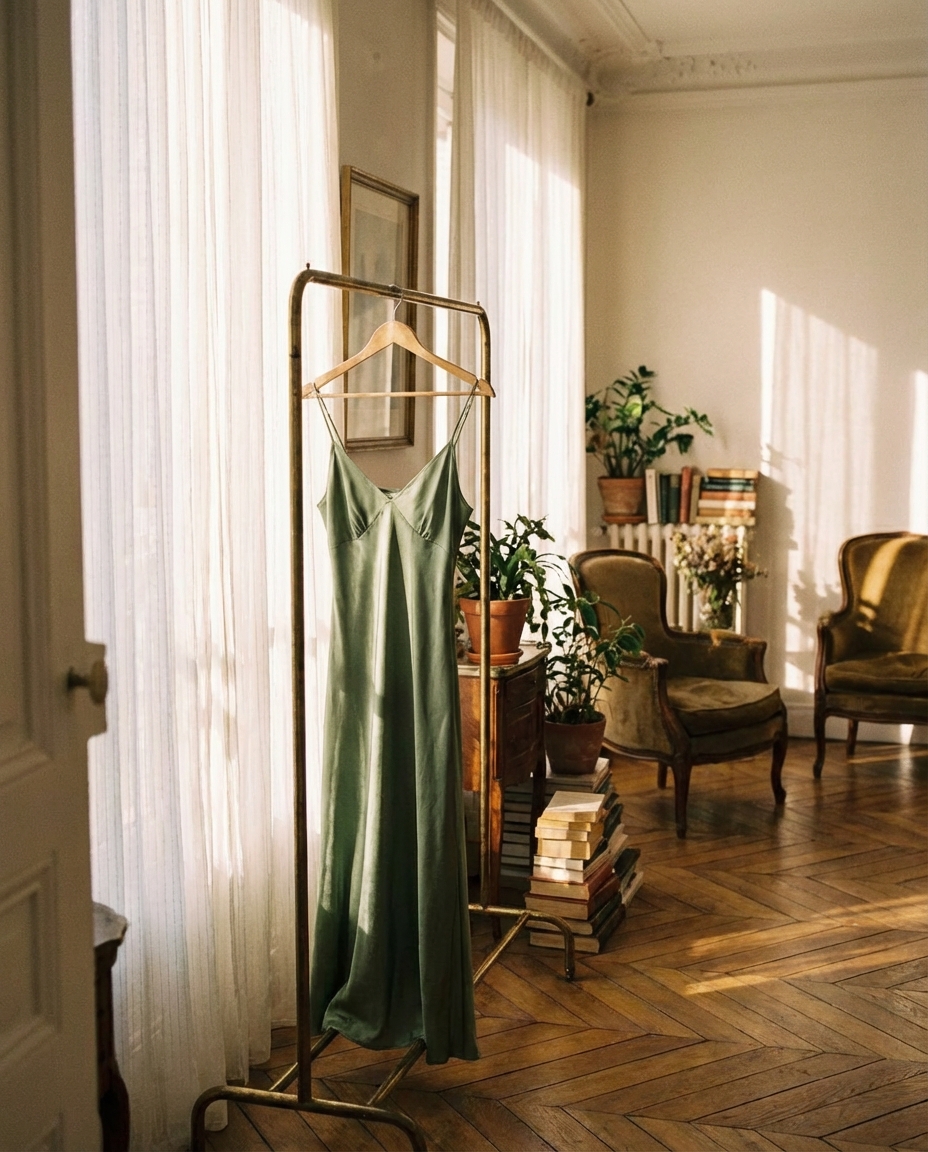
This editorial approach to fashion photography used to be exclusively the domain of brands with real budgets. You needed a location scout, a stylist, a photographer who understood fashion lighting, and hours of post-production retouching. The entire pipeline existed to create one thing: a feeling. And feelings, it turns out, are what drive clothing purchases online. Studies consistently show that lifestyle fashion images outperform plain product shots in both click-through rates and conversion — sometimes by 30% or more. People don't buy clothes; they buy the version of themselves they see in the photo.
How AI Fashion Photography Levels the Playing Field
This is where things have shifted dramatically. AI-generated product photography can take a single, well-lit photo of a garment — even a flat lay on a white surface — and place it into a fully realized scene with professional lighting, styled backgrounds, and the kind of visual polish that used to require a production crew. The product itself isn't altered or distorted. The AI removes the original background and generates a new environment around the garment, matching the lighting direction and color temperature to make the composite look seamless.
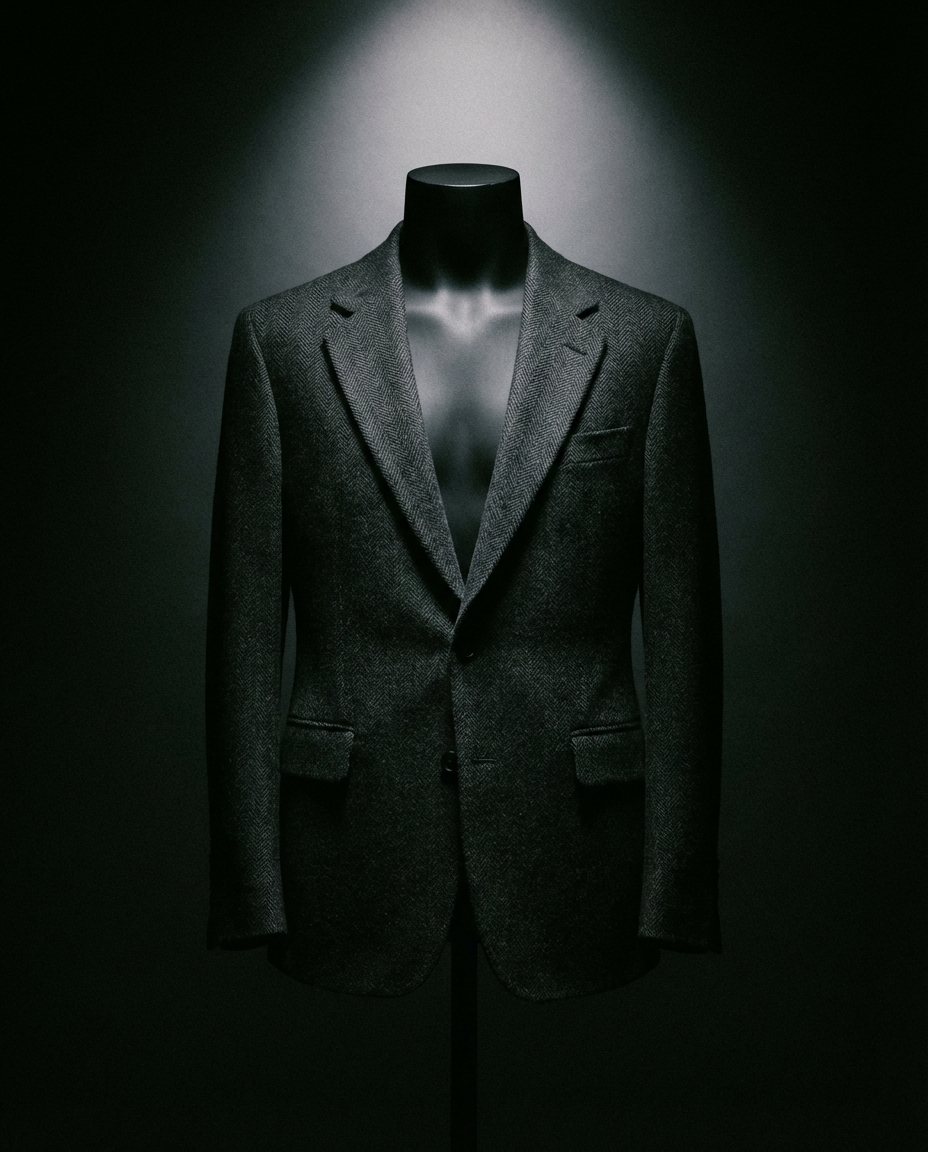
The practical impact for small fashion brands is significant. Instead of shooting each piece in multiple settings — which multiplies your photography costs by the number of looks you want — you shoot once and generate variations. Need the same jacket shown in a minimalist studio setting for your website and a warm, lifestyle context for Instagram ads? That's two generations from one source photo, not two separate shoots. The Flyshot studio handles this in under a minute per image, and at standard resolution it costs a single credit — which works out to roughly $0.30 depending on your pricing plan.
What You Still Need to Get Right
AI isn't magic, and it won't fix a bad source photo. The input image matters. For clothing product photos specifically, you want sharp focus on the fabric texture, even lighting that doesn't blow out highlights or crush shadows, and a clean separation between the garment and whatever it's sitting on. A wrinkled shirt photographed under yellow kitchen lighting will produce a wrinkled shirt in a beautiful AI-generated scene — the AI changes the environment, not the product. Steam your garments, use a decent light source (a window works), and shoot against a plain background for the cleanest results.
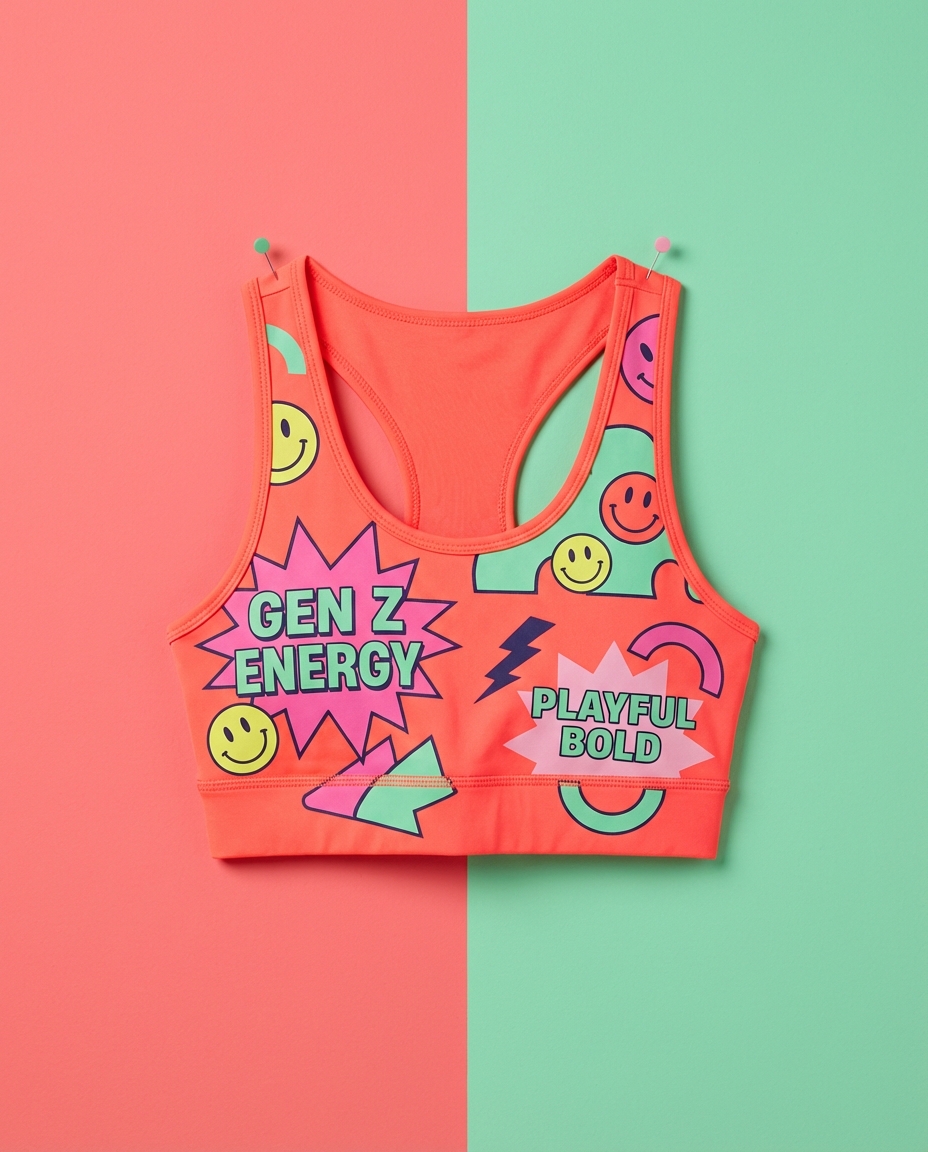
The brands getting the best results from AI fashion photography are the ones treating it as a post-production tool, not a replacement for caring about the initial shot. Take five minutes to prep the garment, shoot it well, and then let the AI handle the expensive part — the scene, the styling, the mood. That combination of a decent raw photo and AI-generated environments produces results that genuinely compete with images from brands spending 50x more on photography.
Building a Consistent Fashion Brand With AI
One of the underrated advantages of AI-generated scenes is consistency. You can apply the same style preset across your entire catalog and get a cohesive look without the natural variation that comes from shooting across multiple days, locations, or photographers. Every product page feels like it belongs to the same brand. That visual coherence is something shoppers notice subconsciously — it's the difference between a store that feels professional and one that feels like a side hustle.
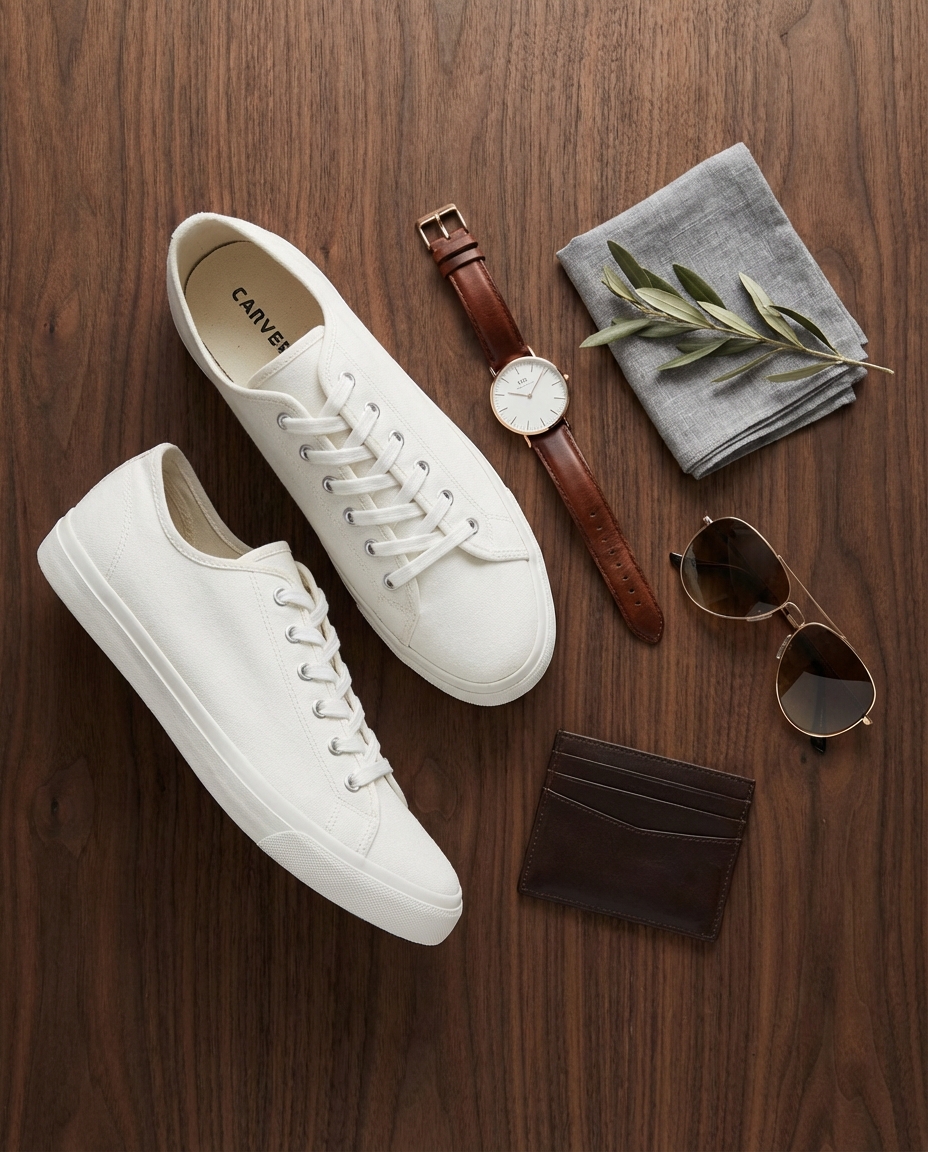
For fashion sellers on platforms like Shopify or Etsy, this consistency directly impacts conversion. When a customer clicks through from a search result or an ad, they're evaluating your brand in seconds. A cohesive visual identity — same lighting mood, same background style, same level of polish across every listing — signals that you're a real brand, not someone dropshipping from their garage. And building that identity used to require either a dedicated photographer on retainer or painstaking Photoshop work. Now it requires a style preset and a few clicks.
The fashion photography arms race hasn't disappeared. Big brands will always have bigger budgets. But the gap between what a solo founder can produce and what a funded brand puts out has narrowed to the point where, on a product page, you genuinely can't tell the difference. That's the real shift — not that AI makes photography free, but that it makes great photography accessible. If you're running a clothing brand and your product images aren't keeping up with your product quality, the bottleneck isn't talent or budget anymore. It's just knowing the tools exist. Try it with your own products — the 10 free credits are enough to see whether the output matches what you need.