April 8, 2026
AI Jewelry Photography That Looks Real
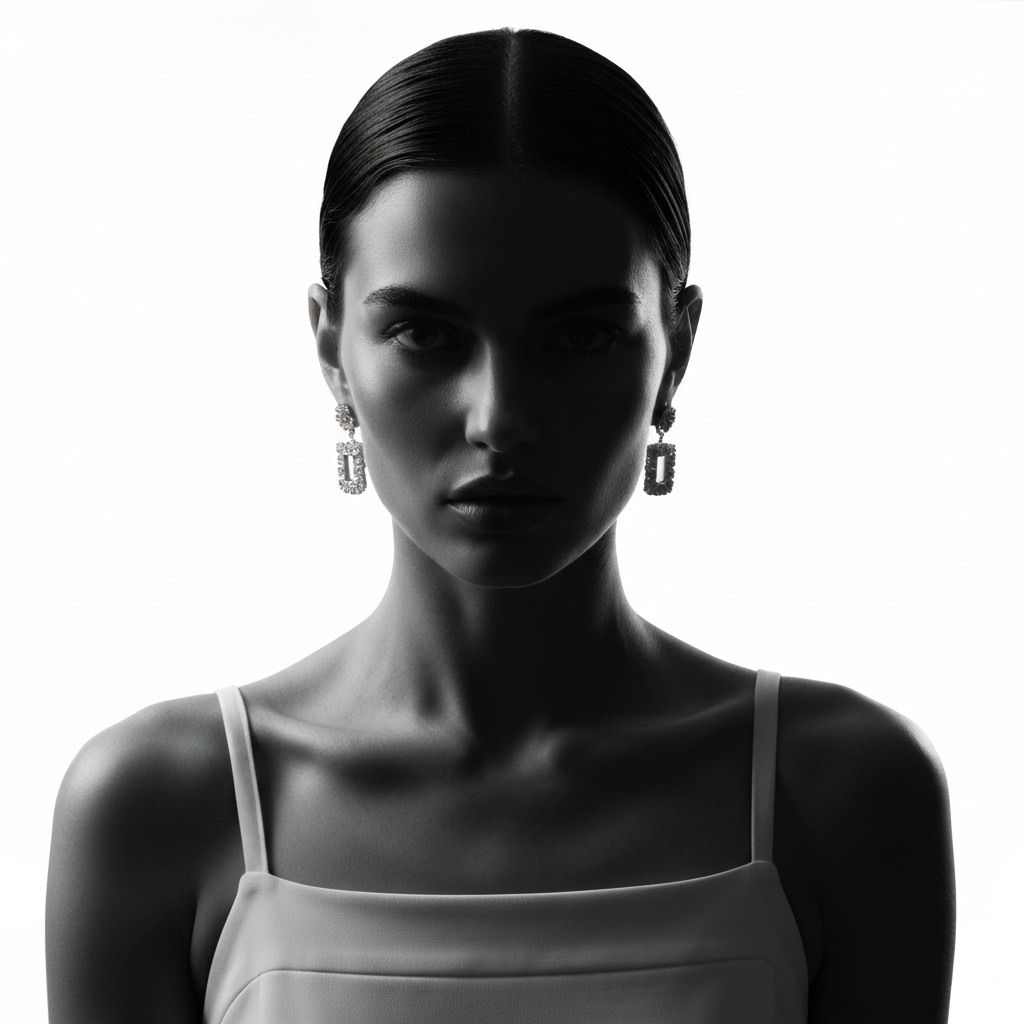
Jewelry photography has always been a special kind of headache. Every other product category has its challenges, sure, but jewelry combines all of them at once: you're dealing with highly reflective surfaces, microscopic details that need to be tack-sharp, transparent or translucent materials that refract light unpredictably, and pieces so small that even a slight focus miss ruins the shot. A ring is maybe two centimeters across, but your customer expects to zoom in and see every facet of the stone, every texture in the metalwork, every subtle gradient in the finish. The margin for error is essentially zero, and the equipment required to get there — macro lenses, focus stacking rigs, specialized light tents — puts professional jewelry photography well out of reach for most independent sellers.
That's the frustrating part. Jewelry is one of the highest-margin categories in ecommerce, but the photography barrier to entry is absurdly high. You can have a beautifully crafted piece, price it right, list it on the perfect marketplace — and still watch it sit there because the photos don't do it justice. Shoppers can't touch jewelry online. They can't hold it up to the light. All they have is your image, and if that image looks flat, blurry, or poorly lit, they're gone. The conversion rate difference between mediocre and excellent jewelry photos online is dramatic, and every seller who's tested it knows this firsthand.
The Technical Nightmare of Shooting Jewelry
The fundamental problem is that metal and gemstones are essentially mirrors. They reflect everything around them — your camera, your hands, the ceiling, the light source itself. Professional jewelry photographers spend more time managing reflections than they do actually composing the shot. The standard setup involves a light tent (a translucent enclosure that diffuses light from every direction), carefully positioned fill cards to eliminate dark spots, and often a separate light source just for the gemstones. Even then, you're usually shooting dozens of frames and focus-stacking them in post to get front-to-back sharpness on a piece that's barely a centimeter deep.
Then there's retouching. Every professional jewelry image you've ever seen has been retouched — extensively. Dust specks that are invisible to the naked eye become glaring blemishes at macro magnification. Fingerprints on polished metal show up like smudges on a window. Scratches, tool marks, uneven reflections — all of it needs to be cleaned up in Photoshop, often pixel by pixel. A single hero image of a diamond ring can take an hour or more of retouching after the shoot is done. For a seller with fifty pieces in their collection, the math gets painful fast.
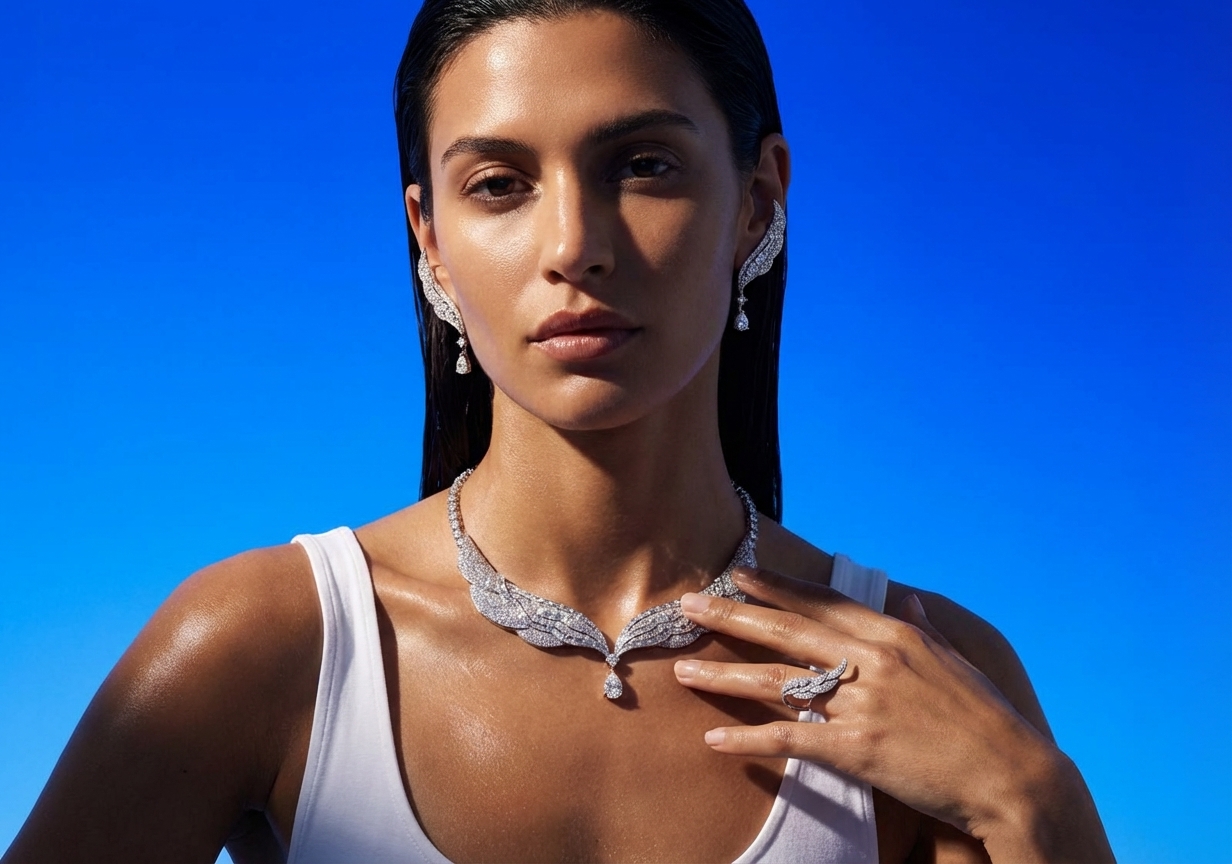
If you're shooting at home, our guide on how to photograph jewelry at home covers the basics — but even with the best DIY setup, there's a ceiling to what you can achieve without professional equipment and post-production skills.
How AI Handles Reflective Surfaces and Fine Detail
This is where AI jewelry photography gets interesting, because the technology has to solve problems that are fundamentally different from other product categories. When an AI model generates a scene around a jewelry piece, it needs to understand how light interacts with metal — the way gold catches warm tones differently than silver, how a polished surface creates sharp specular highlights while a brushed finish creates soft diffused ones. It needs to handle transparency in gemstones, where light passes through the stone and creates internal reflections and color shifts. And it needs to preserve the fine detail of the original product photo while seamlessly blending it into a new environment.
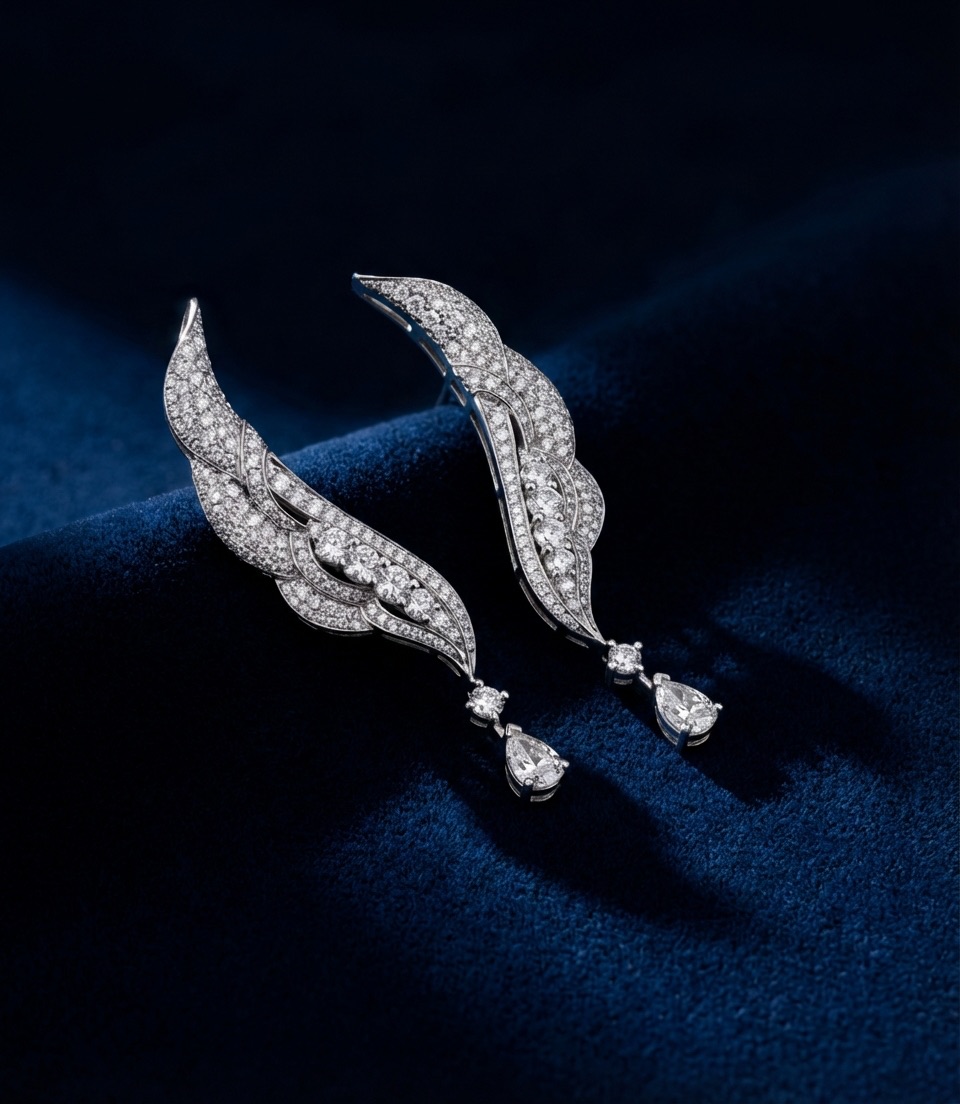
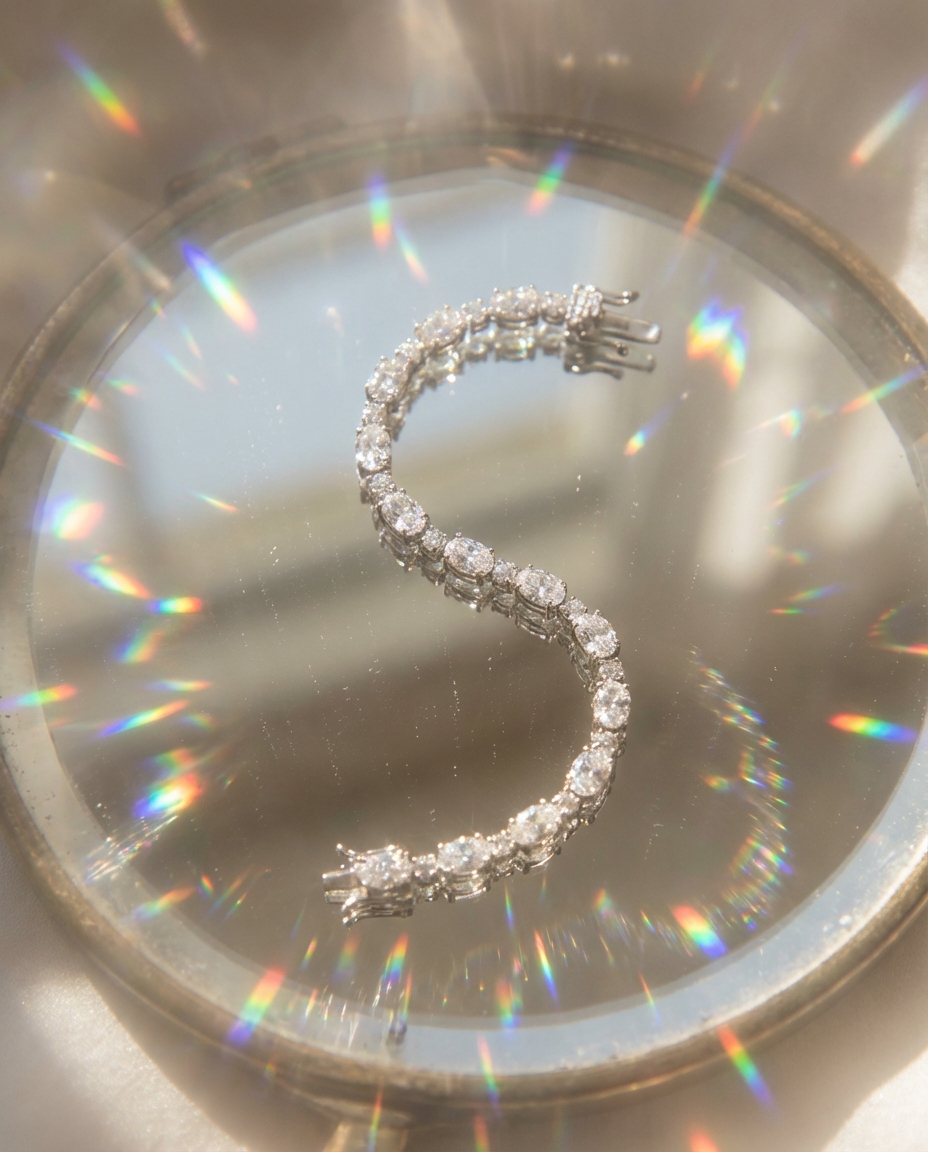
The results, frankly, are better than what most sellers could achieve on their own. Look at the images in this article. The lighting wraps around the metal naturally — you can see how highlights roll across curved surfaces the way they would in a real studio setup. Shadows ground the pieces on their surfaces. The backgrounds aren't just blurred-out nothingness; they're styled environments that give the jewelry context and aspiration. A ring on a marble slab with soft morning light. Earrings against dark velvet with dramatic side lighting. These are the kinds of compositions that would require a professional photographer, a stylist, and a full day of shooting to produce traditionally.
What This Means for Jewelry Sellers
The practical impact is significant. Instead of spending $30-50 per image on professional jewelry photography (and that's on the low end), you can generate lifestyle scenes from a single clean product photo for a fraction of the cost. The workflow is simple: shoot your piece on a plain background with decent lighting — even a phone camera works if you're careful about focus and exposure — then upload it to Flyshot's studio. The AI removes the background cleanly (here's how that works) and generates a new scene that makes your piece look like it belongs in a luxury catalog.
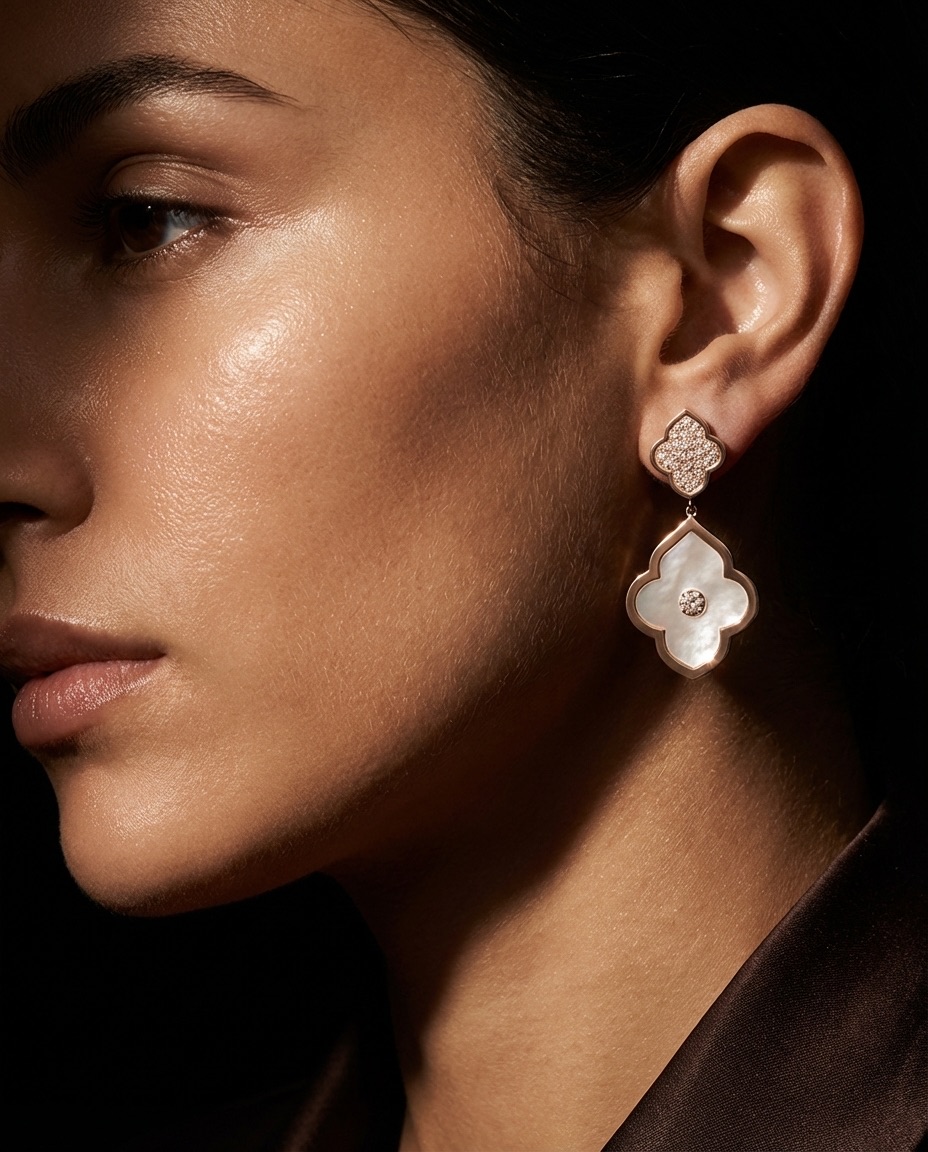
The consistency angle matters enormously for jewelry brands. When a customer browses your collection, every piece should feel like it belongs to the same visual world — same lighting mood, same styling sensibility, same level of polish. Achieving that with traditional photography means booking the same photographer for every shoot and hoping they can replicate the exact same setup months later. With AI, you define your aesthetic once and apply it uniformly across your entire catalog. New piece? Same look. Seasonal collection? Same brand feel, different scene. That kind of visual coherence is what separates a professional jewelry brand from a seller who happens to make jewelry.
Getting Started With AI Jewelry Photos
The barrier to entry here is genuinely low. You don't need a macro lens or a light tent or Photoshop skills. You need a clean, well-lit photo of your piece — our phone photography guide covers exactly how to get that — and a few minutes in an AI tool. The pricing works on a credit system, so you can experiment with different scenes and styles without committing to a full shoot. Try a minimalist marble surface for your website hero images, a warm lifestyle scene for Instagram, and a clean white background for your marketplace listings — all from the same source photo.
For sellers who've been stuck with mediocre product photos because professional jewelry photography was too expensive or too complicated, this is a genuine inflection point. The technology has caught up to the difficulty of the category. And for the first time, a solo seller with a phone camera and a good product can produce imagery that competes with established brands who've been spending thousands per shoot. If you want to see what your own pieces look like, try it with 10 free credits.
For more on the broader shift happening in product photography, check out our guide to AI product photography or read about lifestyle vs. white background to understand when each style works best for jewelry listings.